
By JoinMyWifi
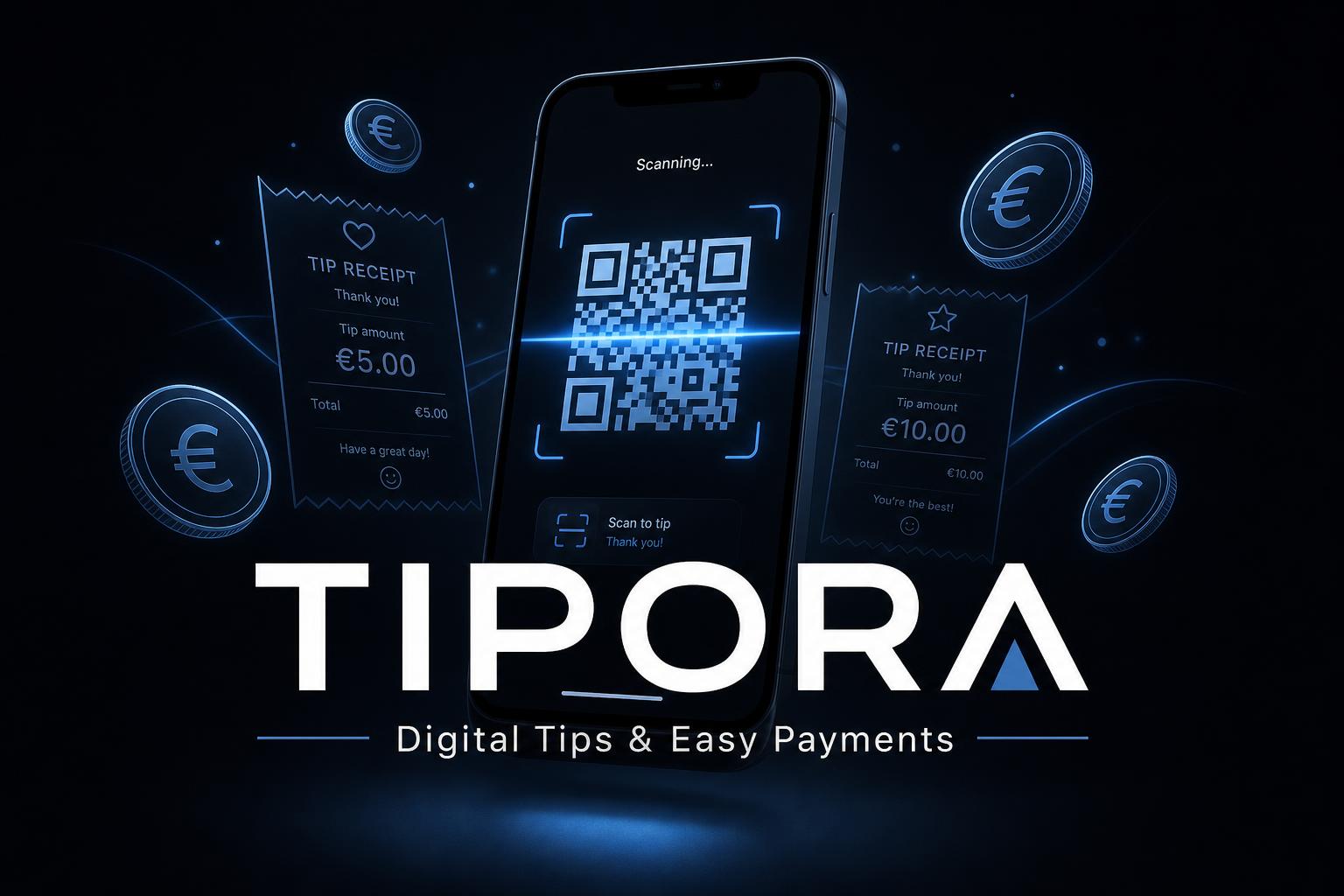
Digital Tips & Easy Payment Software
Make tipping and small digital payments easier, faster and more transparent — for restaurants, hotels, waiters, street artists and street food vendors.
Solutions
Built for tips and small digital payments
From individual waiters to hotel departments, street performers and food trucks — one flexible QR-based platform.
Digital Tips for Waiters
Collect and manage staff tips digitally in restaurants, cafés, bars and hotels — for individuals, teams, departments or tip pools.
QR Code Tipping
Each waiter, table, bill, department or venue gets its own QR code. Customers scan, choose an amount and pay instantly.
Tip Pool Management
Pool tips and distribute by shift, role, department, hours, or manager approval — fair and transparent.
Individual Staff Tipping
Waiter-specific QR codes or staff profiles so customers tip the person who served them directly.
Hotel Staff Tipping
Restaurants, room service, housekeeping, spa, pool, beach, concierge and valet — covered.
Payments for Street Artists
Musicians, performers and buskers display a QR code so anyone can support them — no cash needed.
Payments for Street Food
Food trucks, market stalls, pop-ups and seasonal sellers accept fast QR-based payments.
QR Code Payment Links
Generate QR codes for tables, receipts, hotel rooms, posters, signs, business cards or digital screens.
Staff Tip Tracking
Track tips by staff member, department, shift, location or QR code — full visibility instead of cash-only blind spots.
Business Tip Dashboard
Monitor totals per waiter, team, department, date, shift or location. Exportable reports included.
Digital Tip Cards
Give staff printed or digital tip cards with a personal QR — “Scan to leave a tip” — frictionless and friendly.
Custom Workflows
Tip pooling, hotel multi-department, event performers, accounting exports — adapted to your business.
Benefits
Why businesses move to digital tipping
Less cash to handle, more tips collected, clearer reporting, and a modern customer experience.
Easier Tipping for Customers
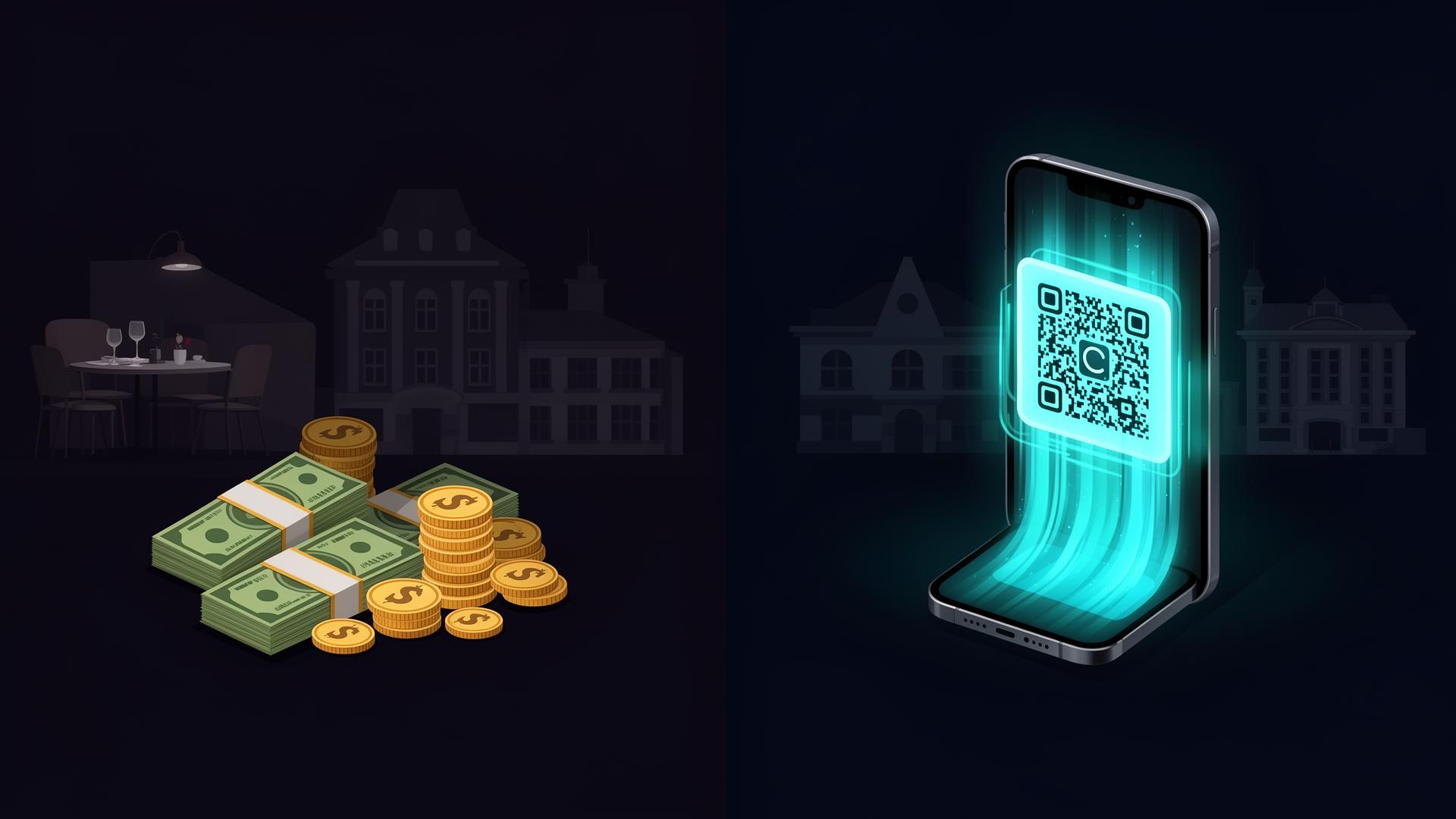
No coins or cash needed — a simple QR scan handles it.
More Tips for Staff
Customers who would otherwise not tip can now tip with their phone.
Better Transparency
Clear visibility of what was collected and how it should be distributed.
Reduced Cash Handling
Less counting, storing, sharing, losing and reconciling.
Fairer Distribution
Pre-agreed pooling rules reduce disputes and build trust.
Better Staff Motivation
Transparent tipping that also captures card-paying customers.
Better Customer Experience
Private, quick, and not awkward — tipping the way it should be.
Useful for Tourists
Visitors without local cash can still support staff, artists and vendors.
Helpful for Street Artists
Performers receive support even from people without cash.
Helpful for Street Food Vendors
Capture sales lost because the customer had no cash on them.
Faster Small Payments
Designed around quick QR interactions — minimal friction.
Better Reporting
Understand performance by staff, shift, department, location or QR code.
Flexible for Many Use Cases
Hotels, salons, spas, mobile sellers, events — beyond restaurants.
Professional Image
Show customers your business understands how people pay today.
Local Support in Cyprus
Onsite help with QR placement, staff onboarding, training and operations.
How it works
From consultation to launch — and beyond
A clear, step-by-step process so your team and customers are ready from day one.
Consultation
We map how tips and small payments currently work — who receives, who pools, where QR codes belong.
Workflow Design
We design the right flow for your restaurant, hotel, artist or vendor scenario.
Payment Setup
We configure the payment flow with the selected provider, including settlement and compliance.
QR Code Setup
Create QR codes per waiter, table, room, department, location, artist or vendor.
Staff & Vendor Profiles
Profiles with name, role, department, location, QR code and tip history.
Dashboard Configuration
Set up the manager dashboard for activity, reports, users and distribution rules.
Tip Distribution Rules
Configure individual, team, shift, role, percentage or manager-reviewed distribution.
Branding
Apply your logo, brand colors and custom copy to tip and payment pages.
Testing
End-to-end testing of scanning, payment, recording, reports and distribution.
Training
Hands-on training for management and staff on day-to-day use.
Launch
QR codes go live in the right locations — customers can begin tipping and paying.
Support & Improvements
Ongoing support for new users, QR changes, rule updates and expansion.
Features
Everything you need to run digital tipping
A complete toolkit for QR tipping, payments, reporting, branding and integrations.

Pricing
Transparent, project-based pricing
Final price depends on users, QR codes, payment setup, reporting, branding, integrations and support.
Tipora Software
One-time setup. Payment provider fees, optional services and ongoing support are separate and depend on scope.
Request a quoteWhat can affect the price
- •Number of staff, departments and QR codes
- •Locations and multi-site setup
- •Pooling and distribution rules
- •Payment provider requirements
- •Reporting and export needs
- •Branding and multilingual setup
- •Integrations (POS, accounting, payroll)
- •Training and ongoing support
Optional services
- •QR code design & printed tip cards
- •Staff & vendor profile setup
- •Street artist / vendor pages
- •Branding customization
- •Payment provider integration
- •Accounting export setup
- •Hosting & maintenance
- •Custom development
FAQ
Frequently asked questions
Make tipping and small payments easier
Give customers a simple way to leave tips or make quick payments without cash. Talk to us about your setup today.